A clear alarm arrives when it is time for your departure check.

A calm check before every departure
CheckAlarm
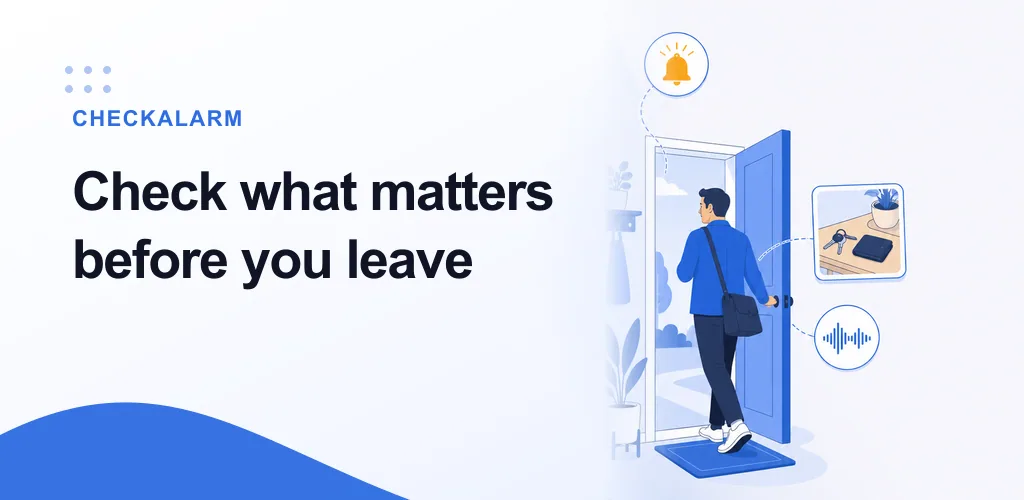
Check what matters.
Leave with confidence.
Set a departure alarm, move through your checklist one item at a time, and keep the details you tend to forget close at hand.


- Departure alarms
- Step-by-step checks
- Saved location photos
- Familiar sounds
One reassuring flow
Hear it. Check it. Leave.
Turn the moment before you leave into a small routine you can repeat with confidence.
Start from the alarm and confirm each item one at a time.
Review the finished check and head out with fewer second thoughts.
01 Start with a clear reminder
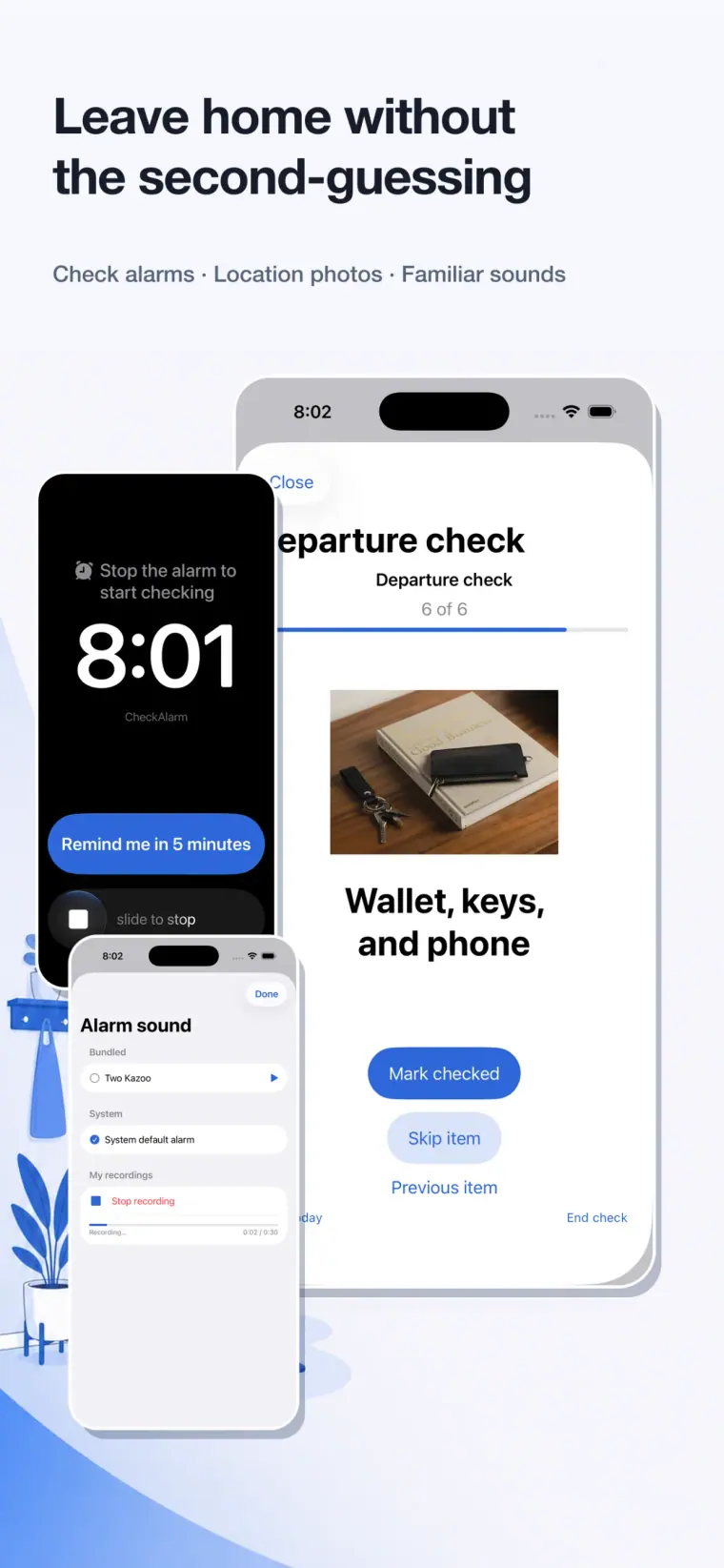
Leave home without the second-guessing.
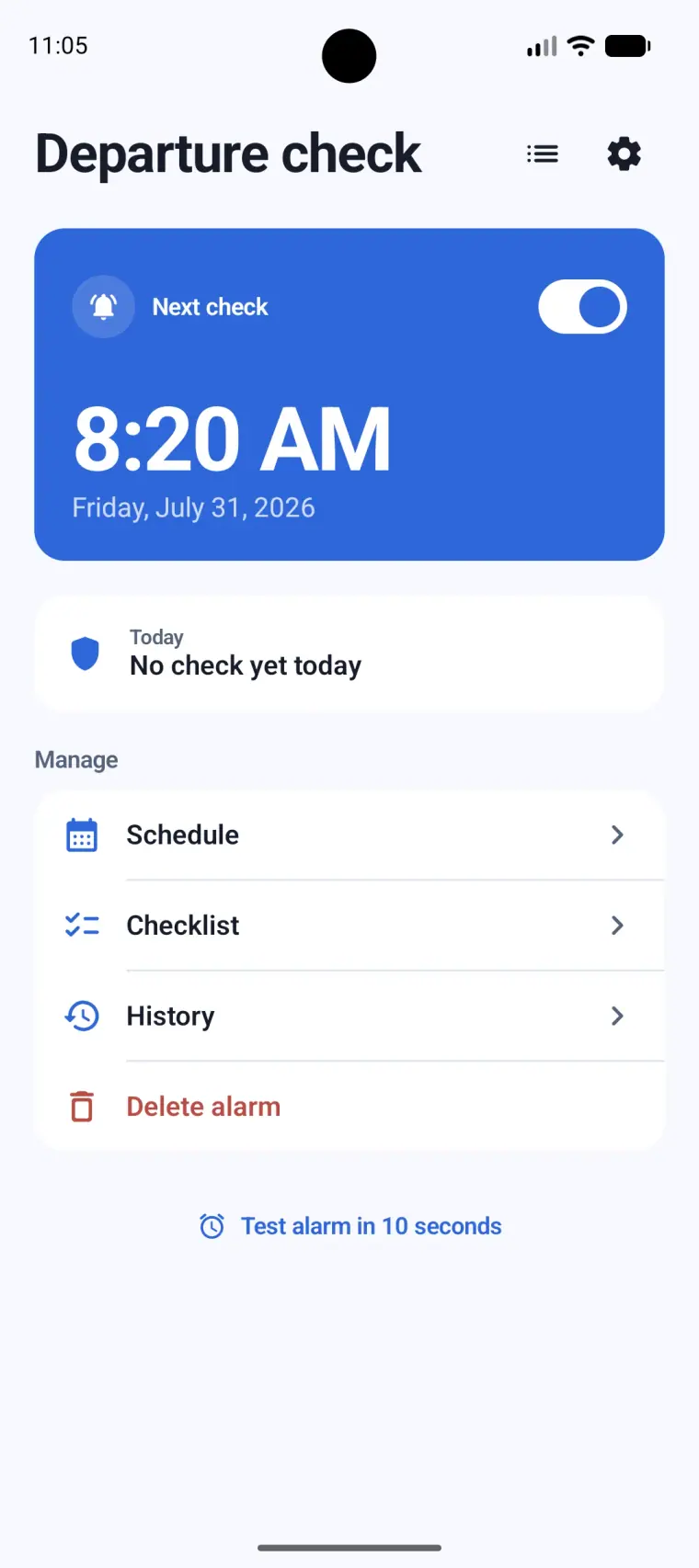
CheckAlarm brings your before-leaving routine to the moment you need it, with a departure alarm and a direct path into checking.
- Schedule an alarm for your departure
- Use a reminder or skip today when plans change
- Move directly from the alarm into the check
02 Go straight to the checklist
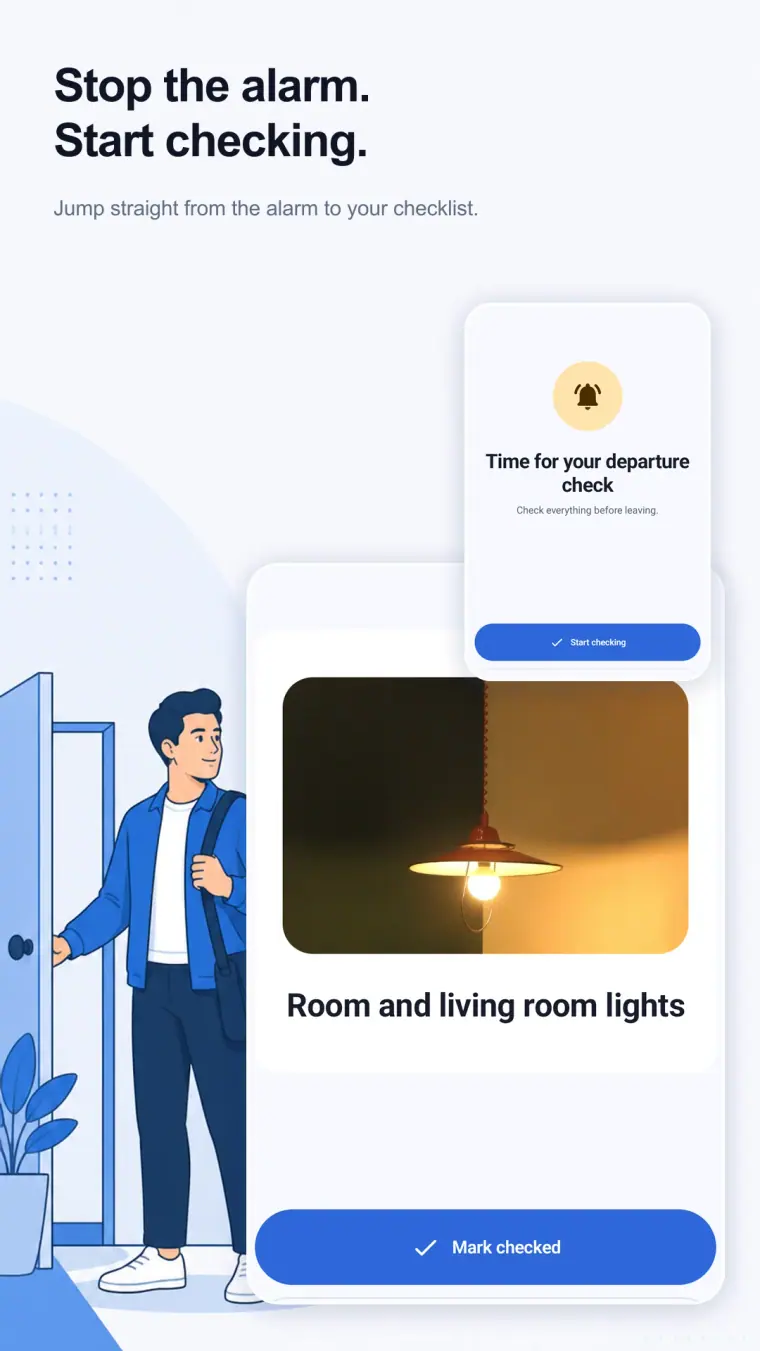
Stop the alarm. Start checking.
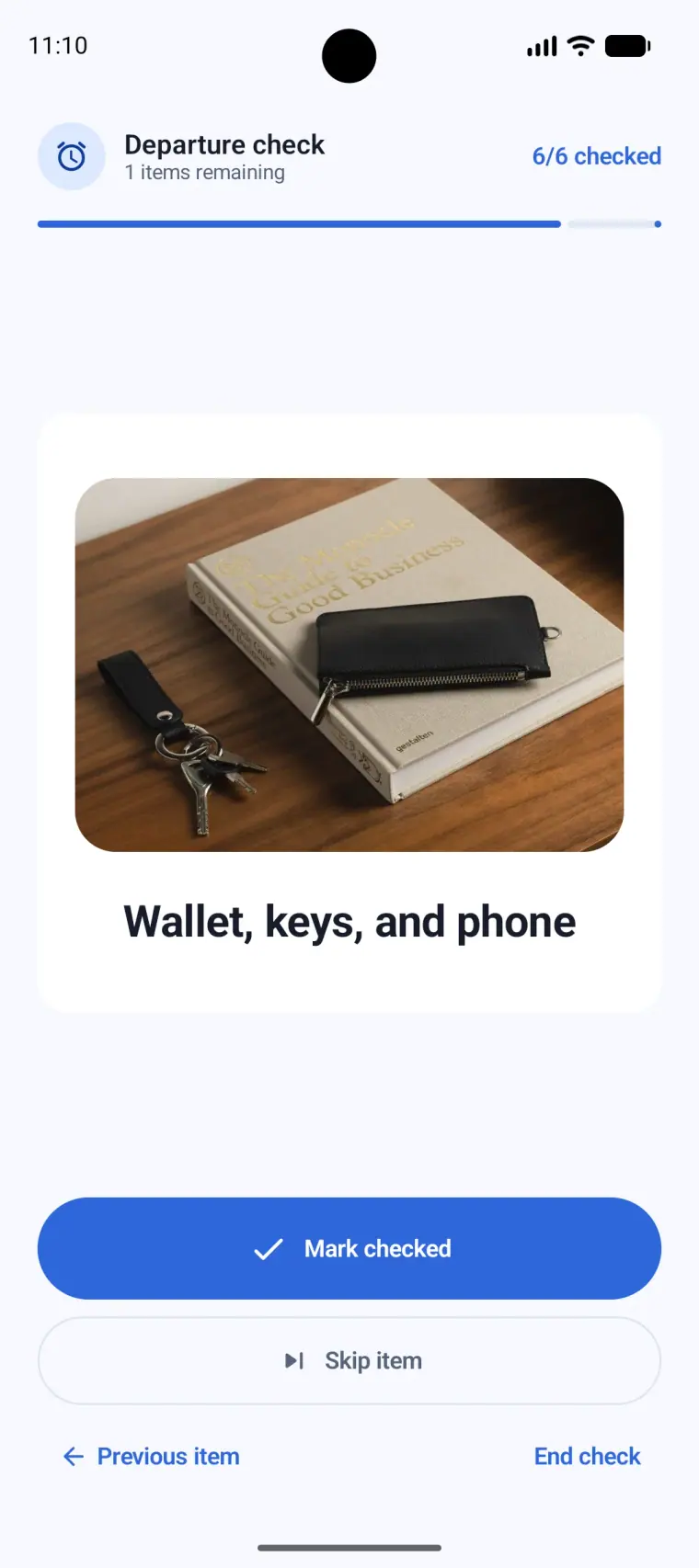
When the reminder arrives, begin the check immediately. Confirm, skip, or move back while the progress stays visible.
- One item at a time
- Progress from the first item to the last
- Mark checked, skip an item, or end the check
03 Keep the place in mind
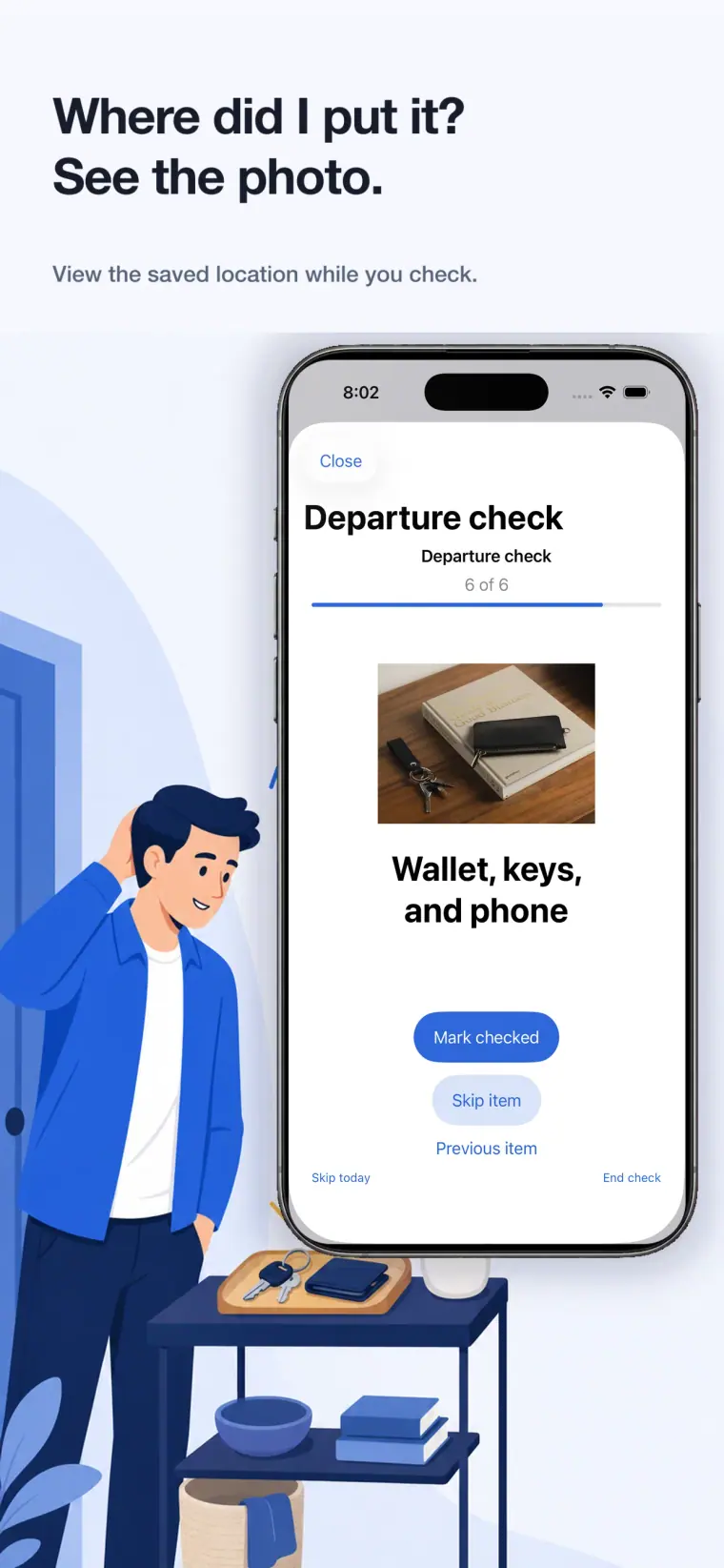
Where did I put it? See the photo.
Save a photo for the things or places you want to remember. The image appears while you check, right beside the item.
- Add a photo from the camera or your device
- See the saved location during a check
- Keep photos in the app’s local storage
04 Make the sound familiar
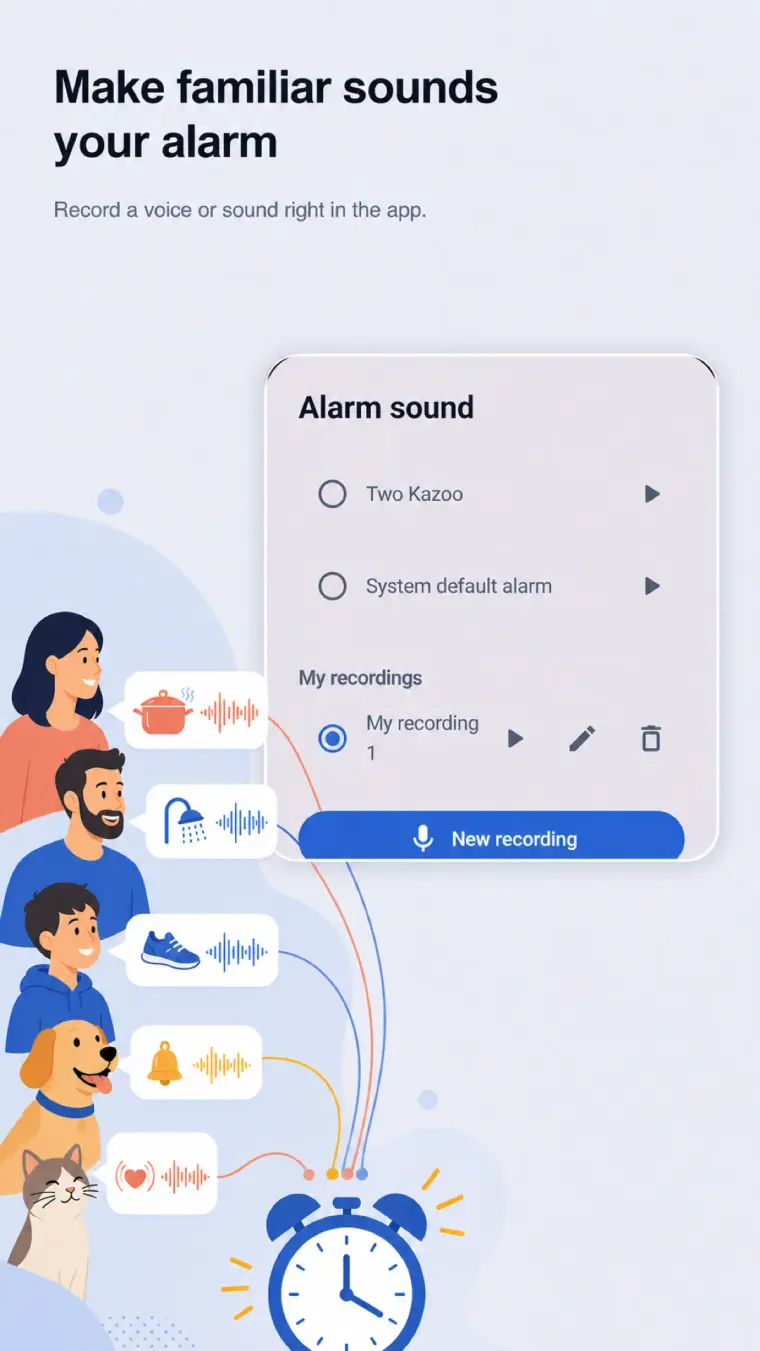
Make familiar sounds your alarm.
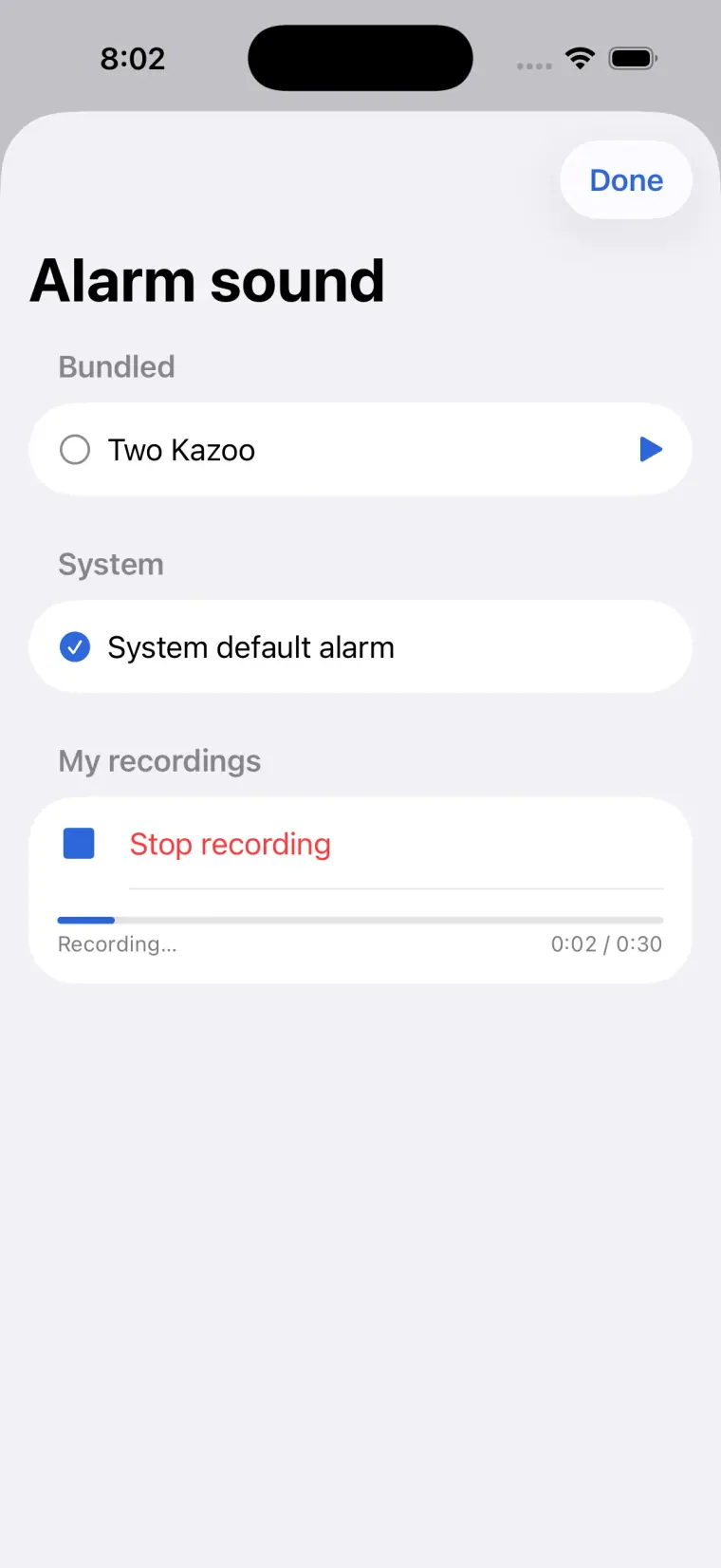
Record a voice or everyday sound in the app, then choose it when you want a reminder that feels personal and easy to recognize.
- Record a custom alarm sound in the app
- Preview sounds before choosing one
- Keep your recordings on your device
Inside the app
The details stay simple.
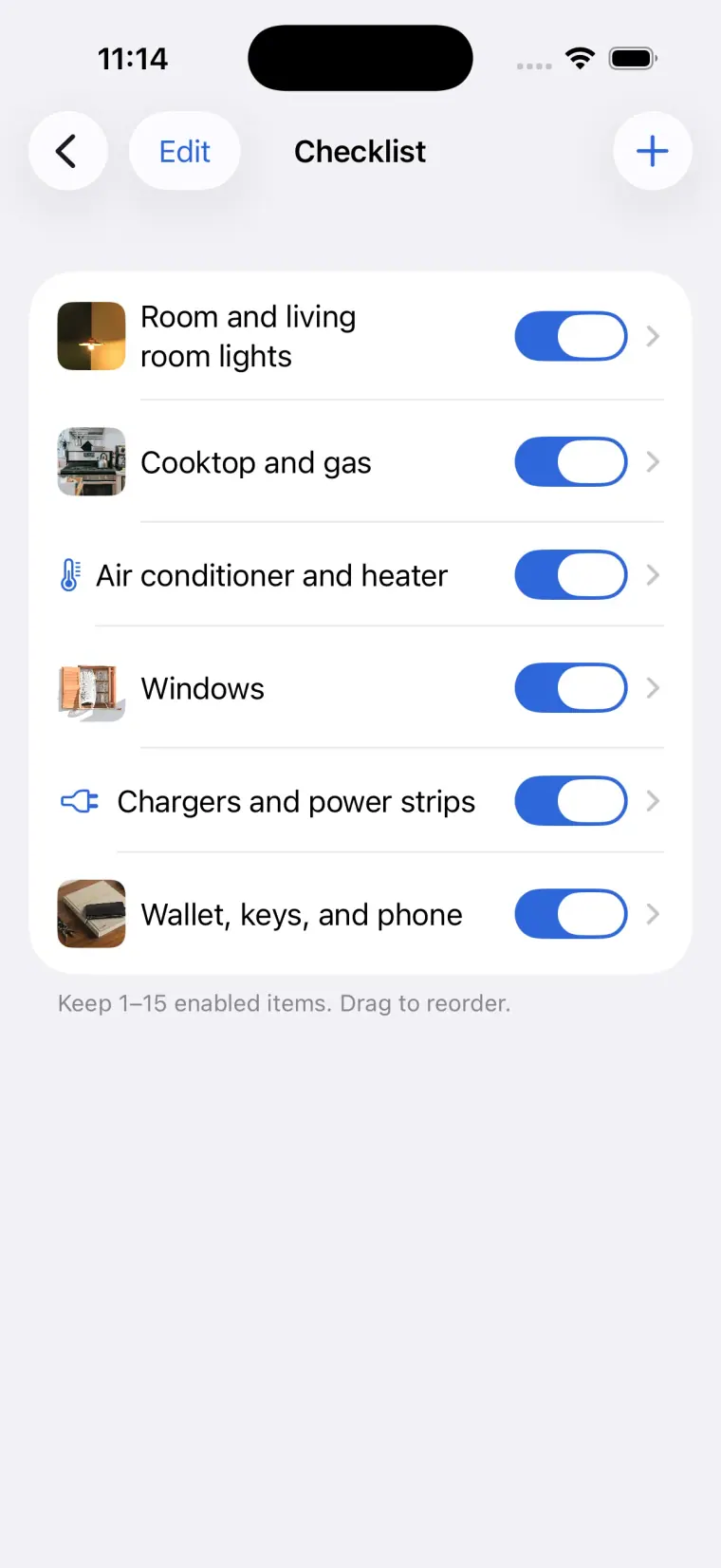
Manage schedules, edit your checklist, see saved photos, and choose sounds without losing the main flow.
CheckAlarm support
Help when you need it.
Tell us what happened, and include enough detail for us to understand the device and the step where things went wrong.
App facts
- Alarms, checklists, photos, sounds, and check history are stored locally on your device.
- CheckAlarm does not provide an account or account-based cloud sync.
- Check history covers the most recent 90 days.
We can help with
- Alarm, notification, full-screen, or sound issues
- Checklist, photo, camera, or microphone problems
- History, settings, permissions, or display issues
Please include
- App version, device model, OS version, and app language
- The feature you were using and steps to reproduce the issue
- Whether the relevant alarm, notification, camera, photo, or microphone permission was allowed
Contact
Send support, feedback, privacy questions, or inappropriate-ad reports by email.
[email protected]View Privacy PolicyLast updated: July 31, 2026