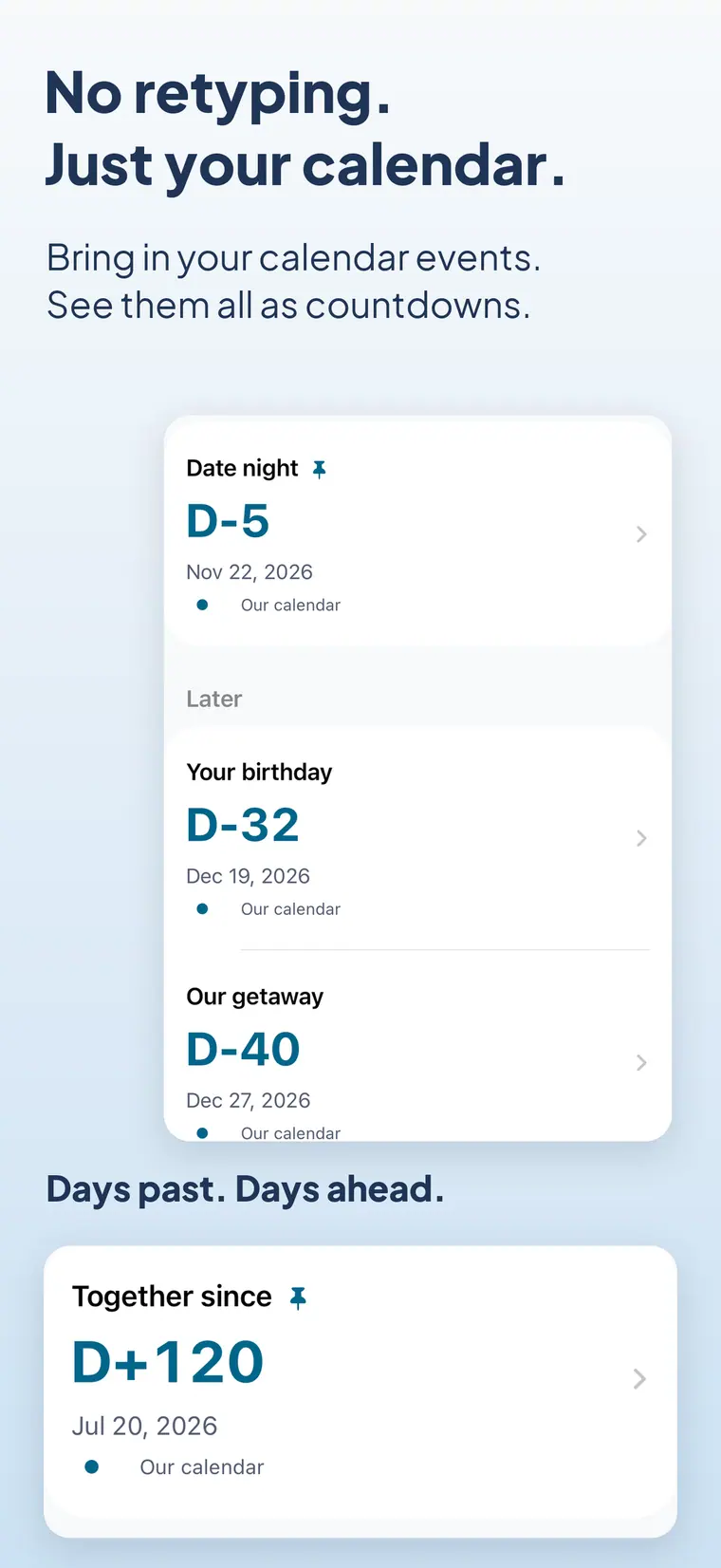
No retyping
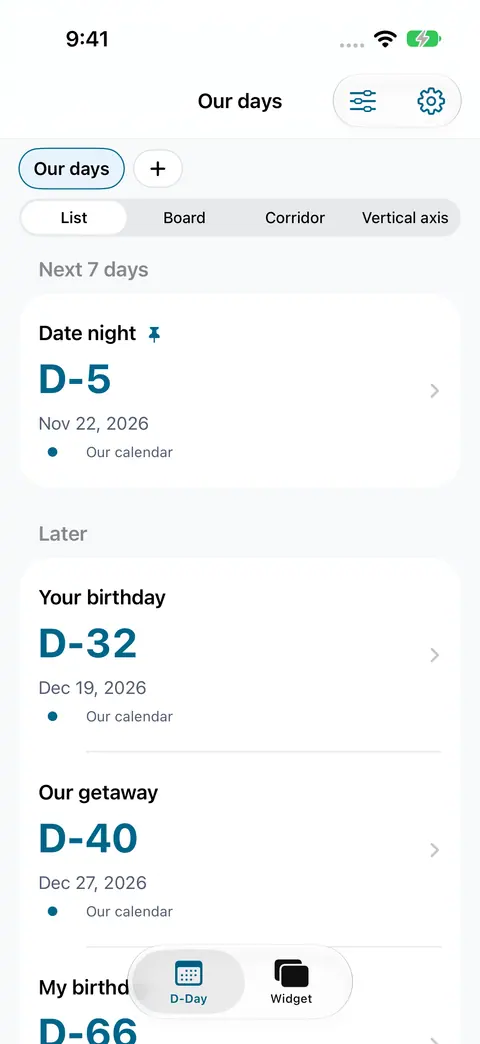
Choose events straight from your calendar. Date changes follow automatically, and repeating events count to the next one.

Calendar countdown widget
Your calendar,
counted down on one widget.
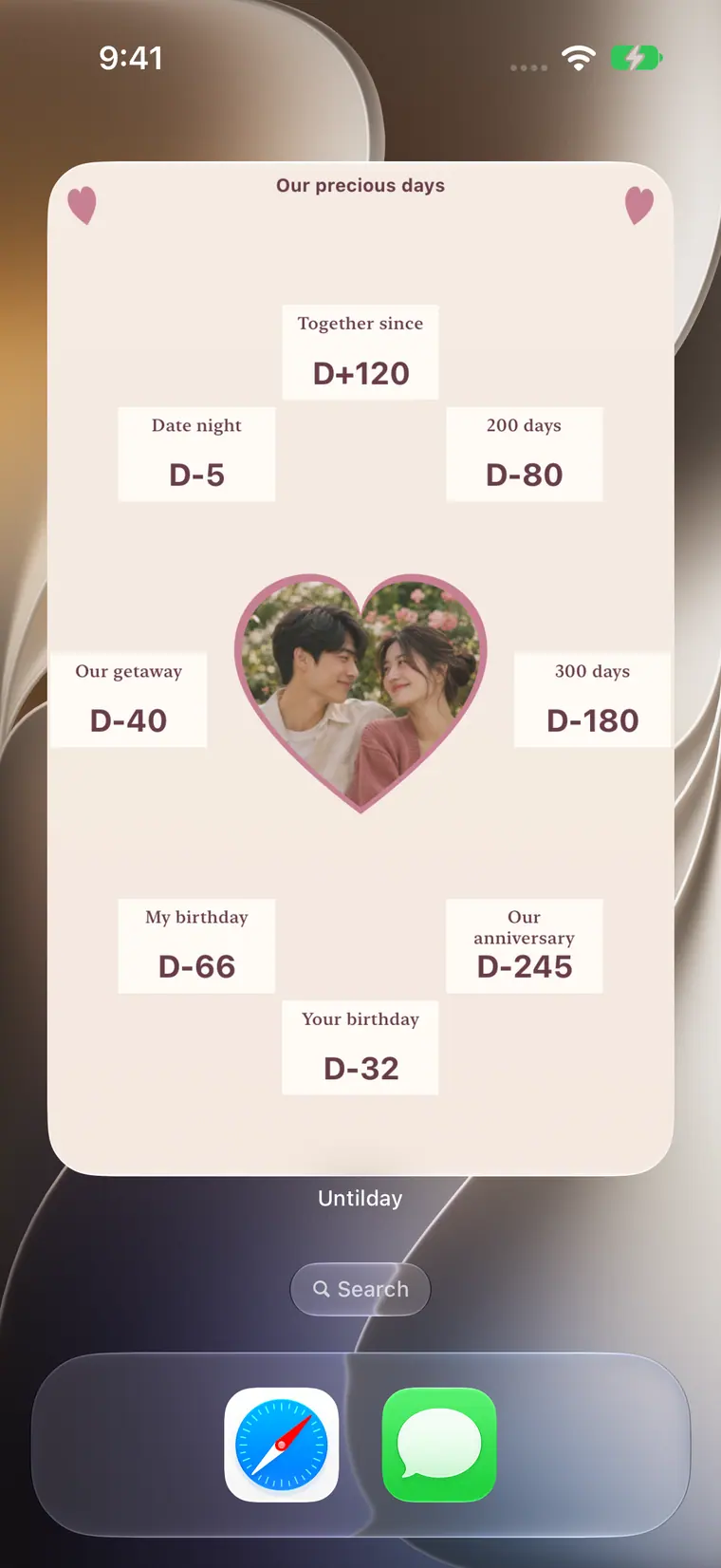
Pick the events already in your calendar and see how many days are left, all on one home screen widget you design.


Coming soon to iPhone, iPad and Android.
Why Untilday
Choose events straight from your calendar. Date changes follow automatically, and repeating events count to the next one.
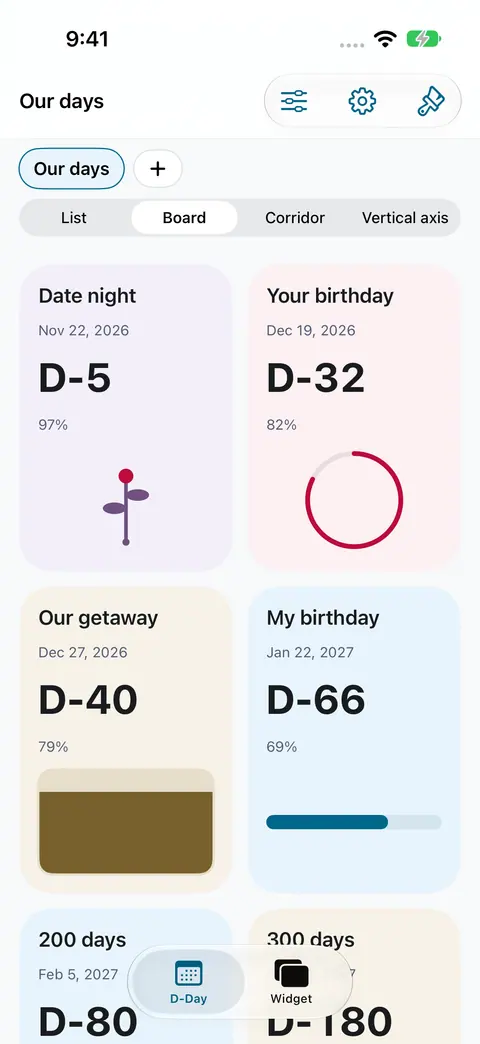
Exams, trips, birthdays and anniversaries together on one home screen widget.
Untilday never changes your calendar. No account, server, ads or analytics.
01 · Pick
Select as many events as you like from any calendar on your device.
02 · Group
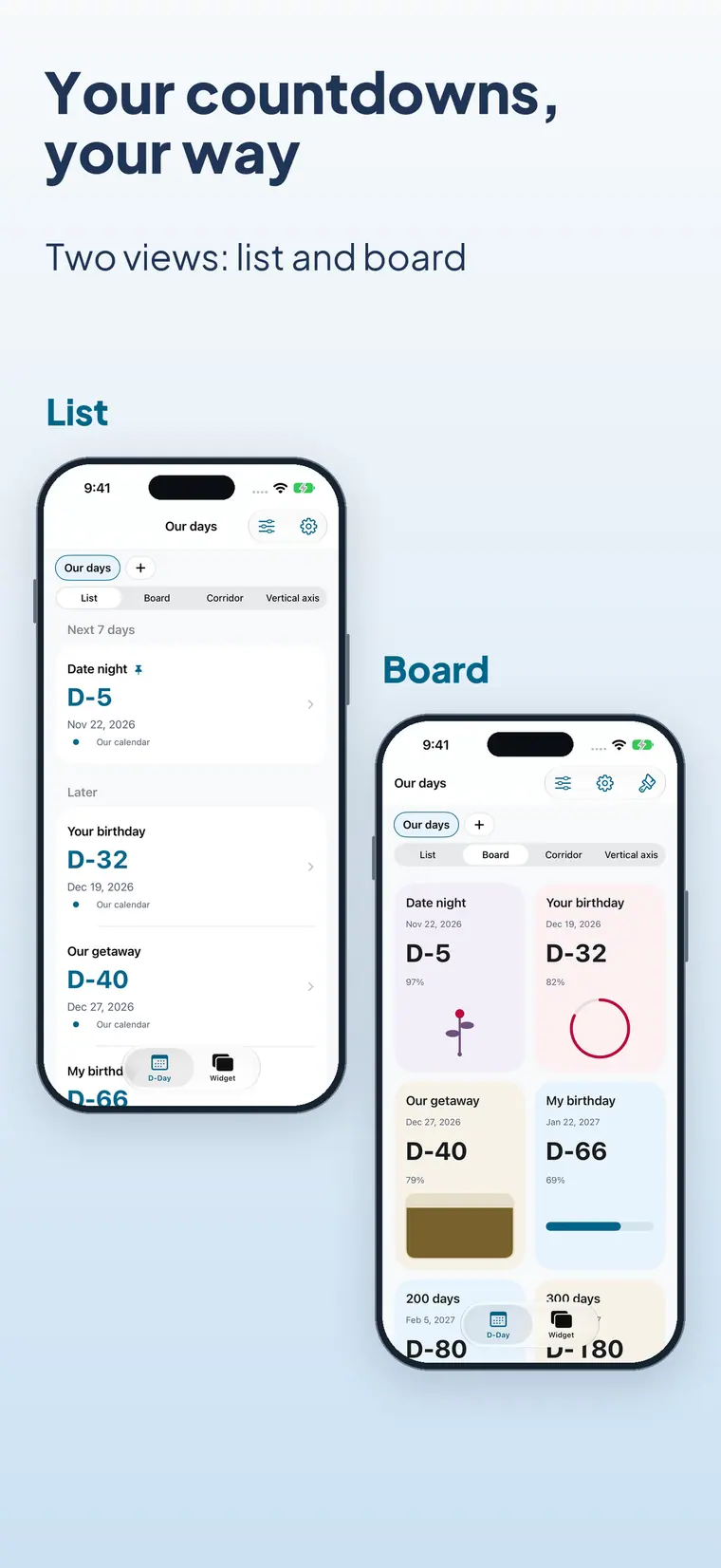
Gather exams, a trip or a project into a named timeline.
03 · Design
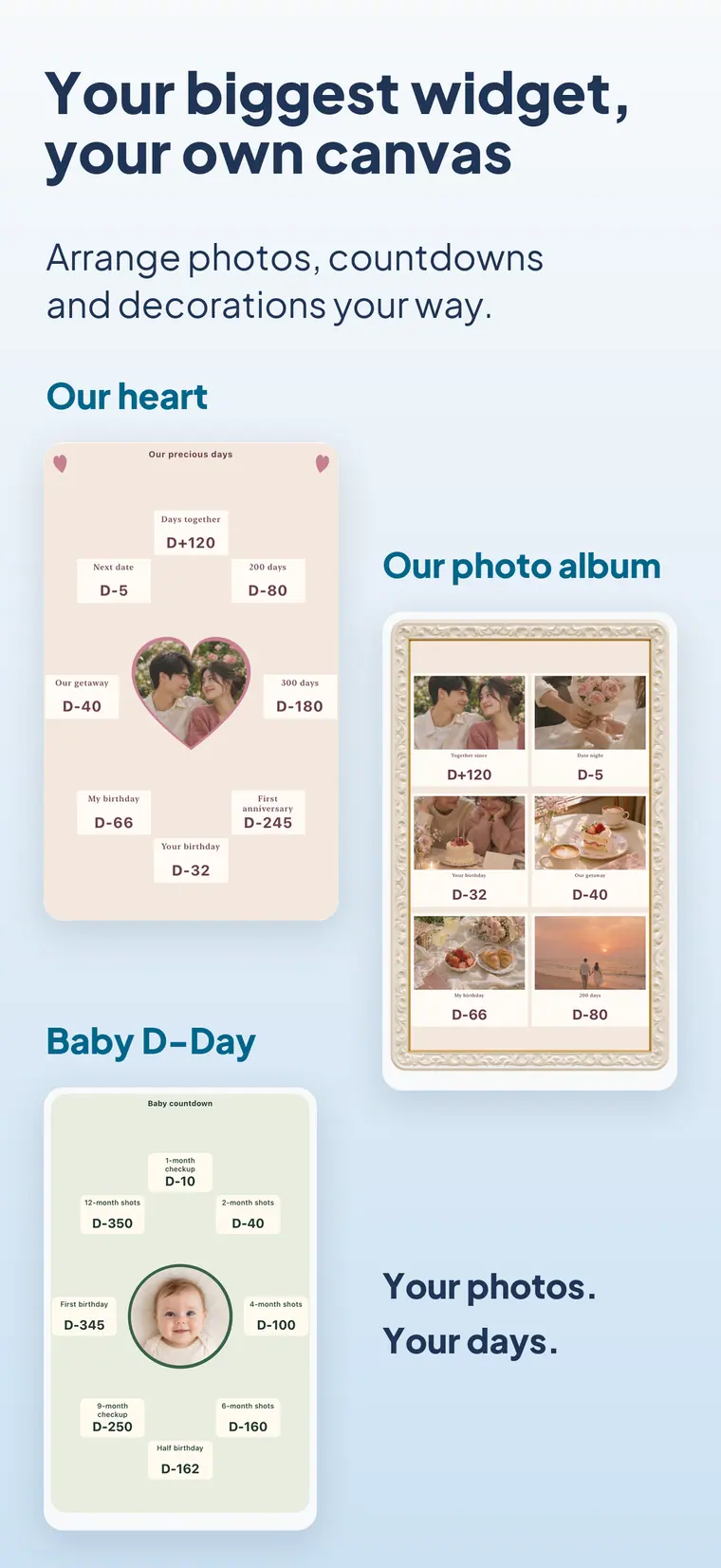
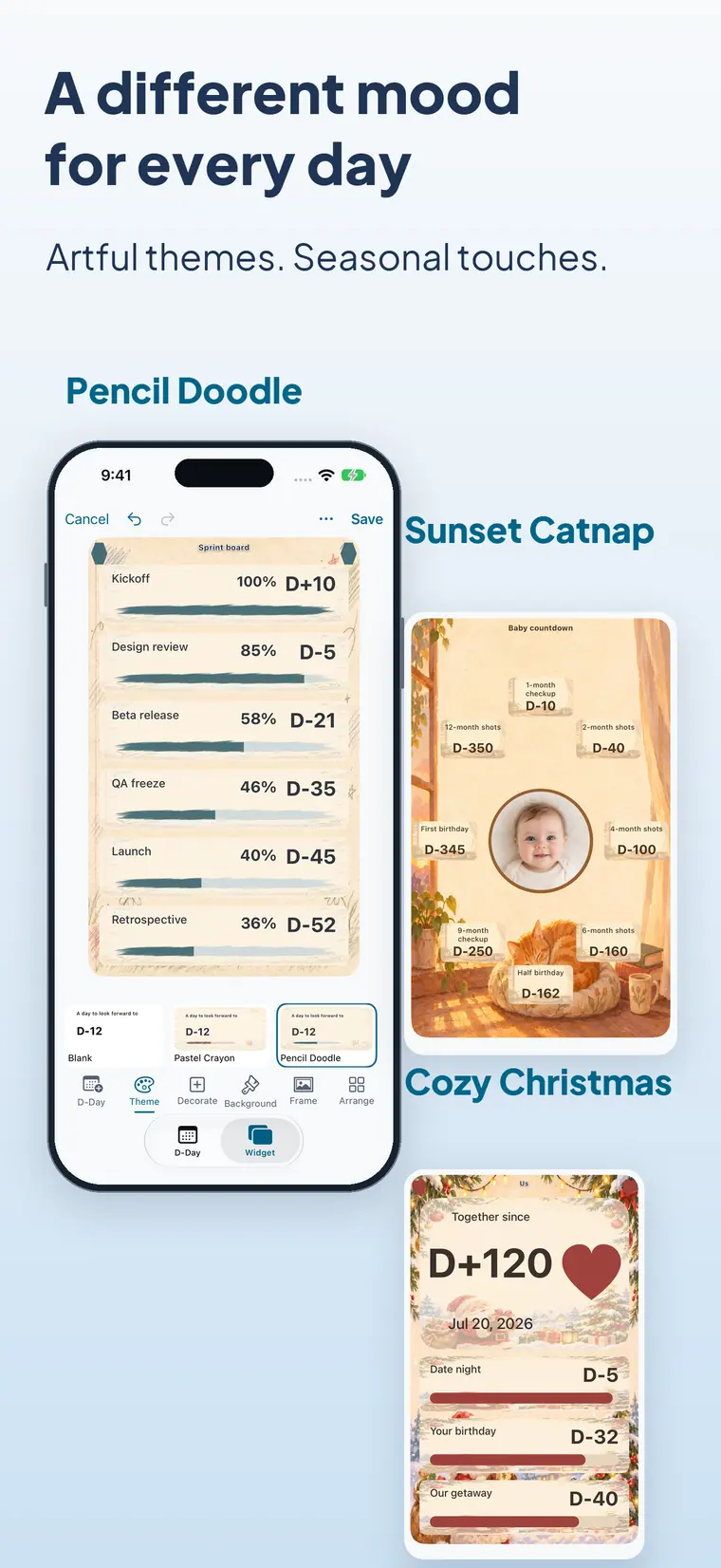
Move, resize, rotate and layer text, progress rings, stickers and your own photos.
04 · Style
45 themes, from hand-drawn doodles to seasonal scenes, in light and dark.
05 · Show
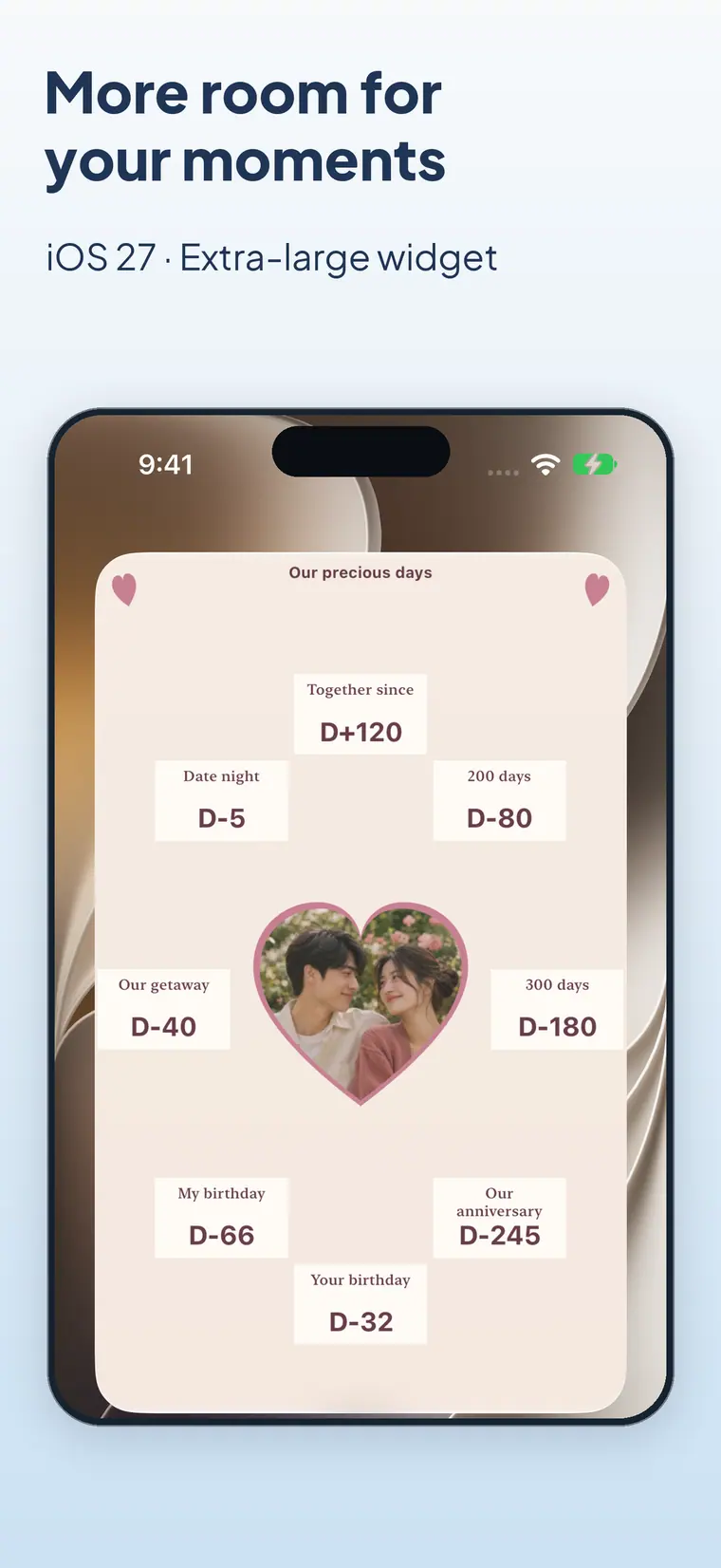
Untilday fills the largest widget your device offers, including the extra-large widget on iPhone with iOS 27.
Inside the app
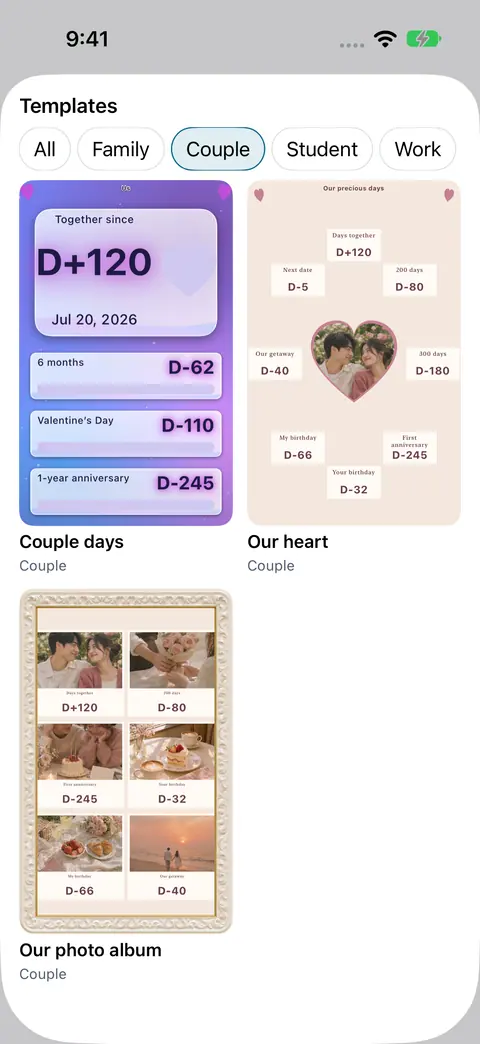
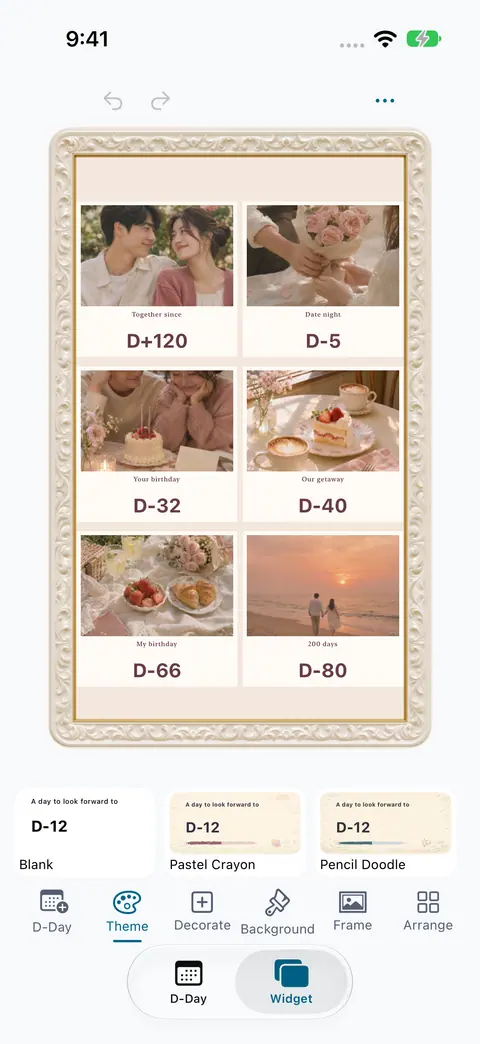
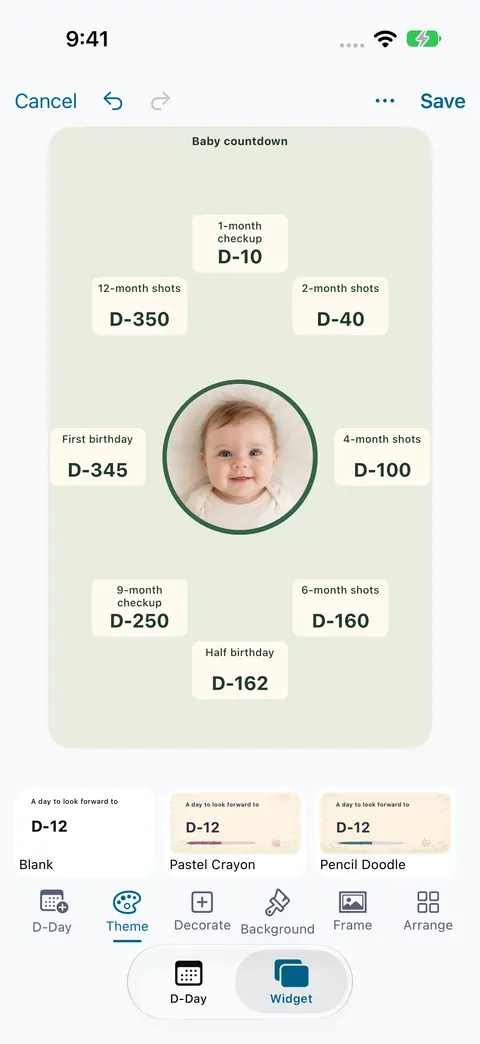
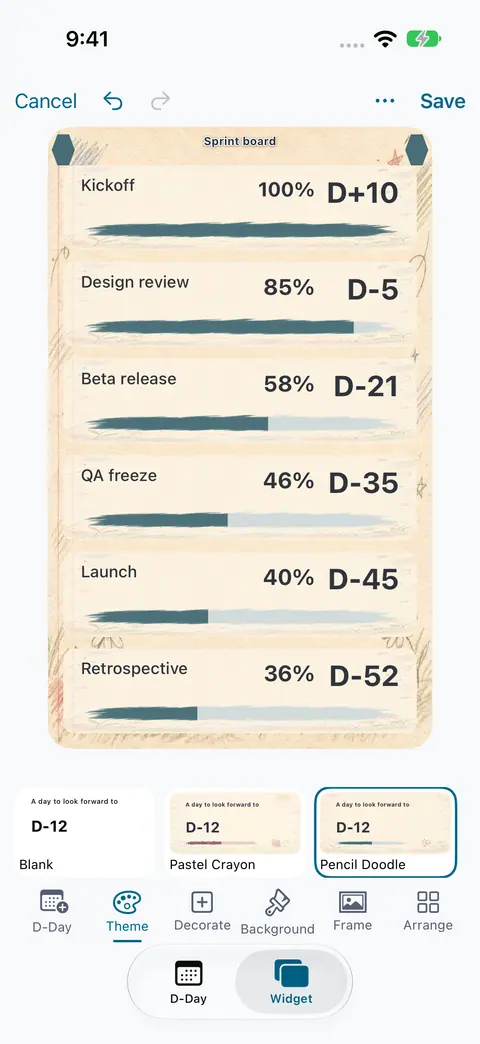
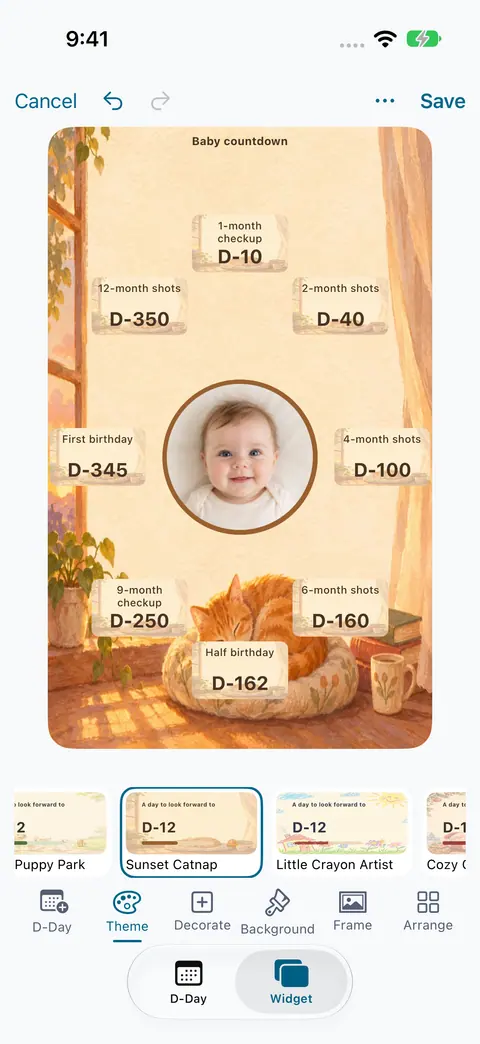
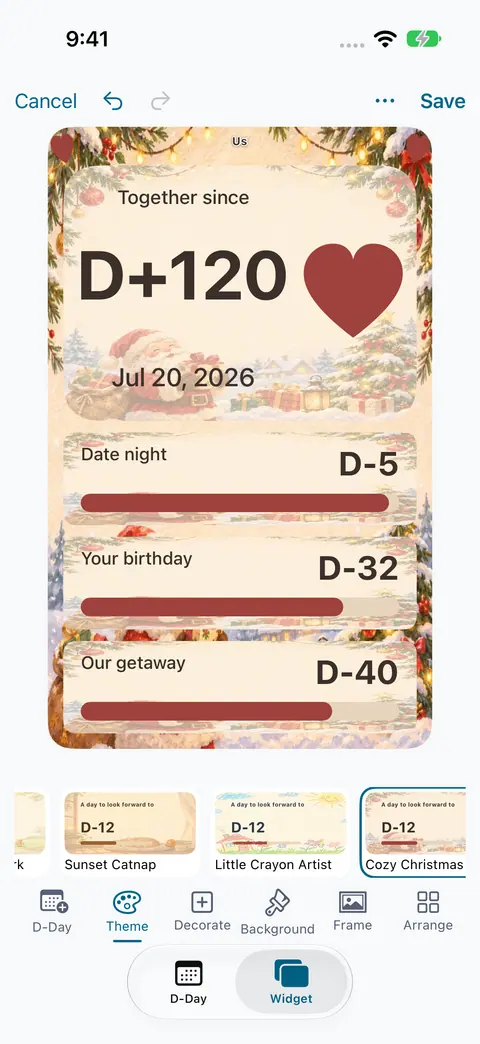
At a glance
Untilday is a calendar countdown widget app for iPhone, iPad and Android that turns events already in your calendar into D-day countdowns.
Untilday support
Quick answers first. If something still looks wrong, email us.
No. Untilday only reads your calendar. It never adds, edits or deletes events.
One widget shows up to eight events. In the app you can pick and group as many events as you like.
Make sure calendar access is allowed for Untilday in your device settings, and that the calendar is synced and visible in your device's calendar app.
Widgets refresh on the system's schedule, so a new day may appear a little after midnight. Opening Untilday refreshes the widget right away.
Touch and hold an empty area of your home screen, open the widget list, choose Untilday and place it. You can also use Add to Home Screen in the Widget tab.
No. There is no account, server, advertising or analytics. Everything stays on your device.