Screen Weaver
English

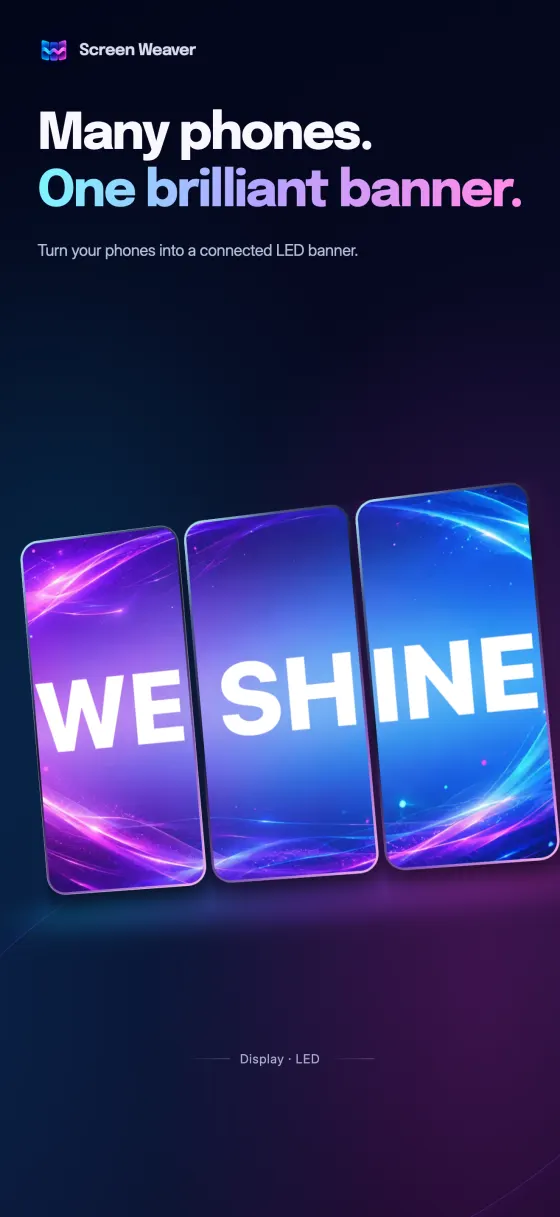
Many phones. One brilliant banner.

Turn your phones into a connected LED banner.

App Store Google Play

Free on iPhone and Android

Scroll to see it move

Display

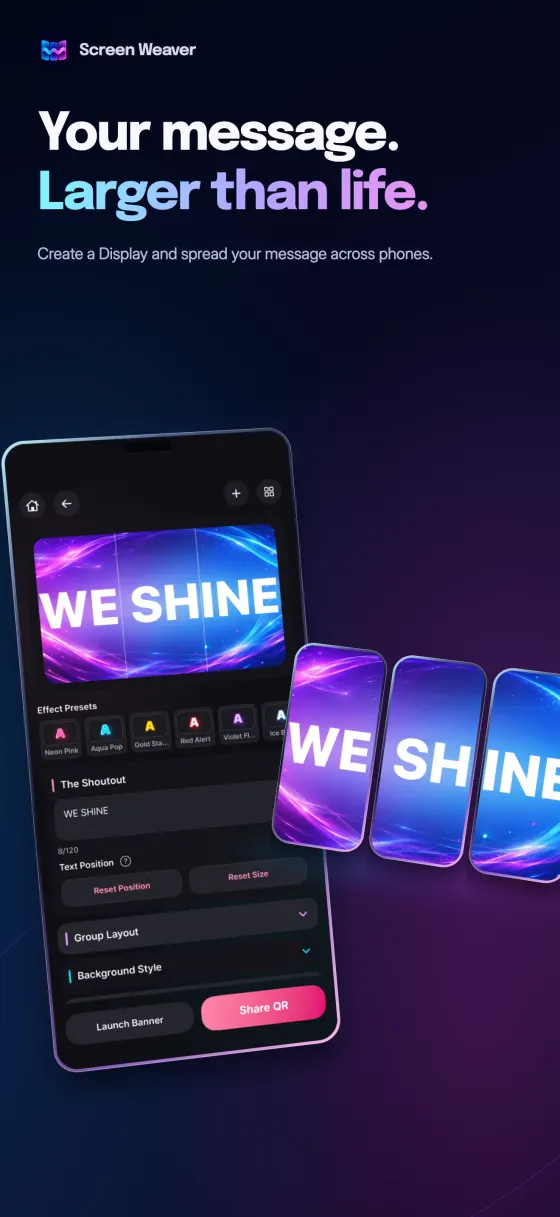
Your message. Larger than life.

Each phone shows its own slice of the same banner. Add a phone and your message simply gets bigger.

Sequential Display

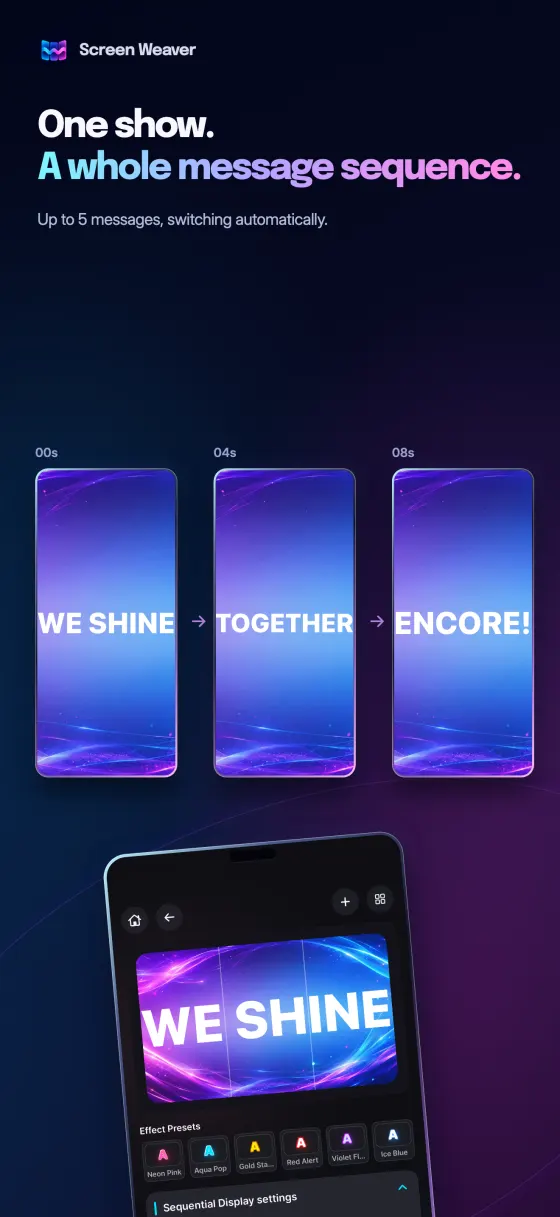
One show. A whole message sequence.

Up to 5 messages, switching automatically. Each message can have its own text, colors and background.

Card Section

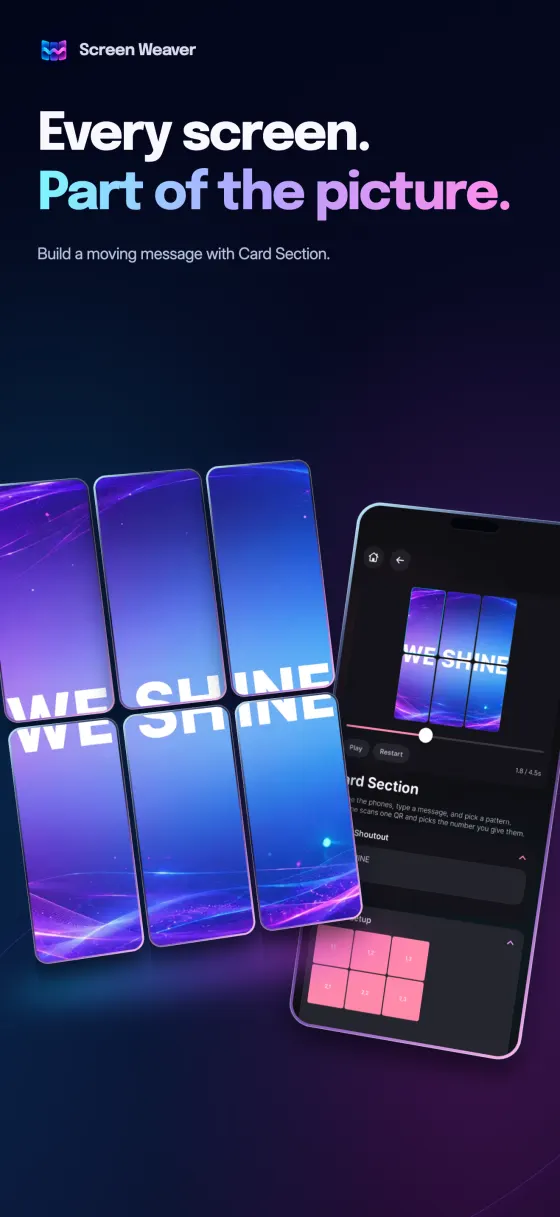
Every screen. Part of the picture.

Arrange the phones, type a message, and pick a pattern. Everyone scans one QR and picks the number you give them.

Tap a pattern to try it

Style

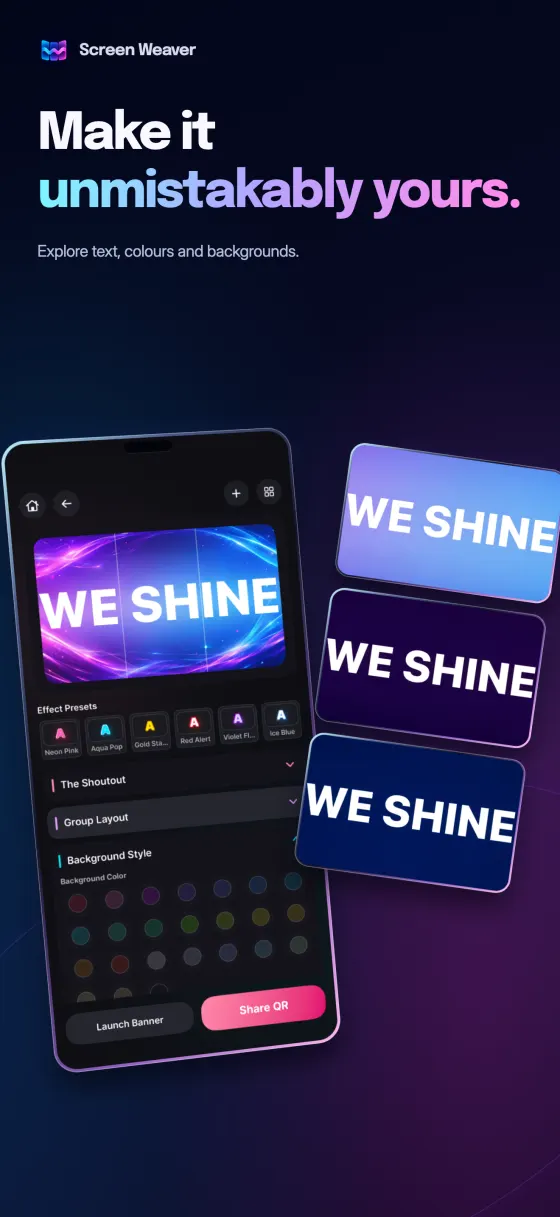
Make it unmistakably yours.

Explore text, colours and backgrounds.

Tap a style to try it

QR

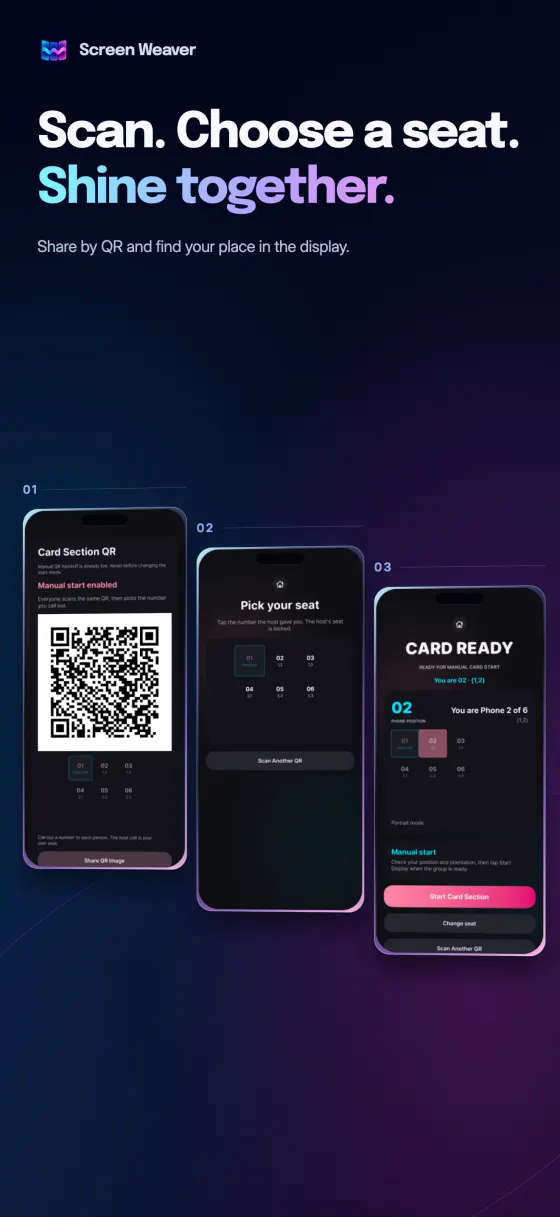
Scan. Choose a seat. Shine together.

Share by QR and find your place in the display.

  1. The host shows a QR code
  2. Friends scan and pick a seat
  3. Everyone starts together

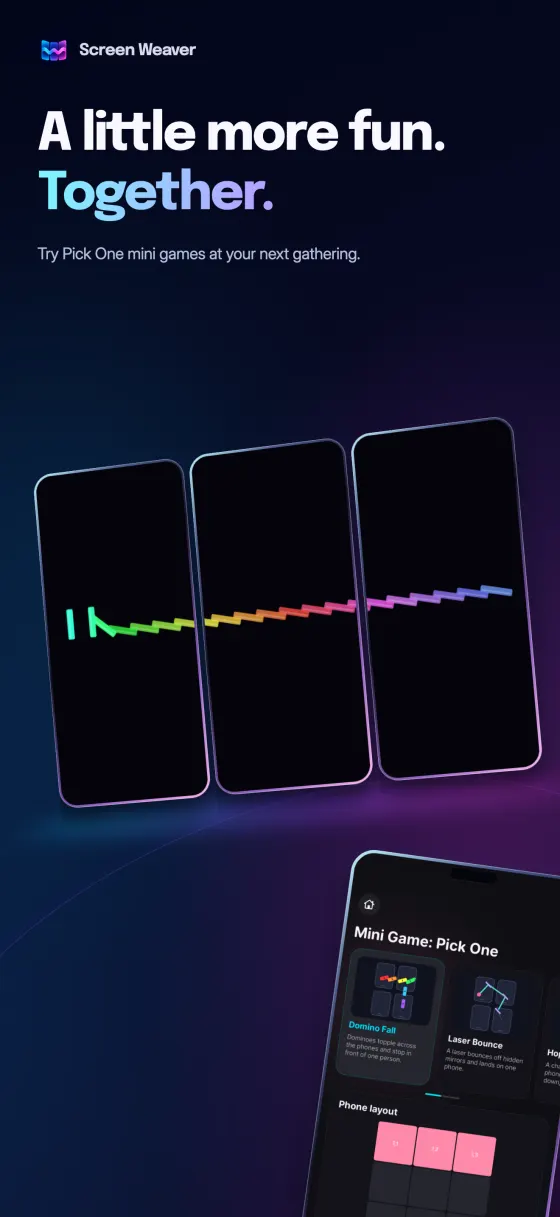
Mini Game: Pick One

A little more fun. Together.

Dominoes topple and stop in front of one person.

Tap a game to play it
Help & support

Quick answers for getting your group ready.

Still need help?

Email us and we'll get back to you, usually within 1–2 business days.

[email protected]
How do I connect phones?

One person creates the banner and shows a QR code. Everyone else scans it in the app and takes their place. A Display gives each phone its own QR code. With Card Section and mini games, everyone scans one QR code and picks the seat number the host calls out.

How many phones can I use?

From 1 to 9 phones, arranged on a 3 × 3 board. One phone can also play a banner by itself. Mini games need at least 2 phones.

Do I need an internet connection?

Preview and playback on one phone work offline, and a short Display can be shared by QR without internet. Sequential Display, Card Section, mini games and larger Displays share through a short online link, so both creating and scanning that QR code need internet.

Does everyone need the app?

Yes. Every phone needs Screen Weaver installed. iPhone and Android phones can join the same banner. It requires iOS 17 or later, or Android 10 or later.

Can I check every screen before we start?

Yes. In the editor, use Preview Each Screen to play what each phone will show on your own device and switch between screen numbers.

The phones are out of sync or the QR code won't scan. What should I check?

Turn on automatic date and time on every phone, allow camera access, raise the screen brightness, and make sure all phones use the same orientation and are in the right order.

Is Screen Weaver free?

Yes, it is free to download and use. The app shows ads.

Your group is the screen.

Install Screen Weaver on every phone and start your banner.

App Store Google Play